

Knowledge Base
Find guides, tutorials, and answers to questions about our services.
Categories
Metadata Manager
Published on
13 Jul 2026
208 views
The Metadata Manager is a new tool for depositing metadata without any knowledge of XML. It currently supports journal articles and grants, with additional record types planned for the future.
When to use it: Use this method if you want to register journal articles or grants one at a time interactively, including editing existing records, or if you want to upload a previously created .json template.
Basic workflow:
- Go to the Metadata Manager landing page and sign in with your Crossref account credentials.
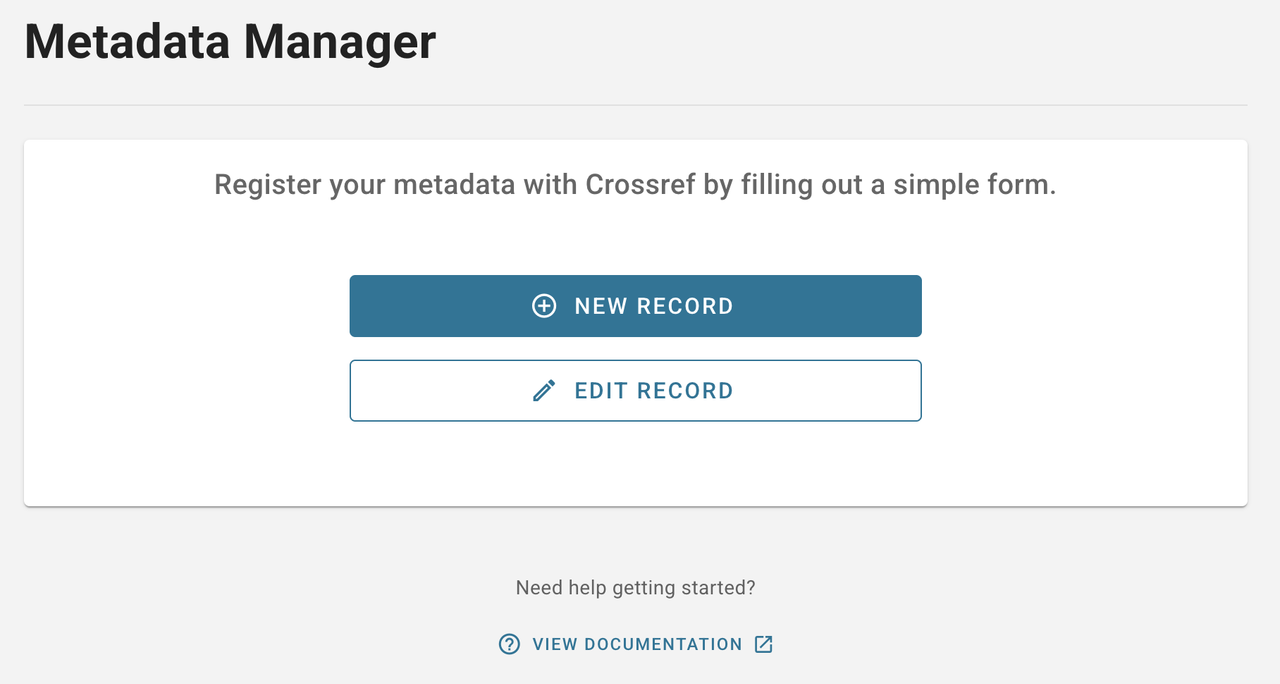 Image Source: https://www.crossref.org/documentation/register-maintain-records/metadata-manager/
 - Choose New Record to register a new journal article or grant.
- Fill in the required metadata; for journal articles, you can auto-fill journal information from titles or ISSNs you've previously deposited. An ISSN is currently required to register journal articles with this tool.
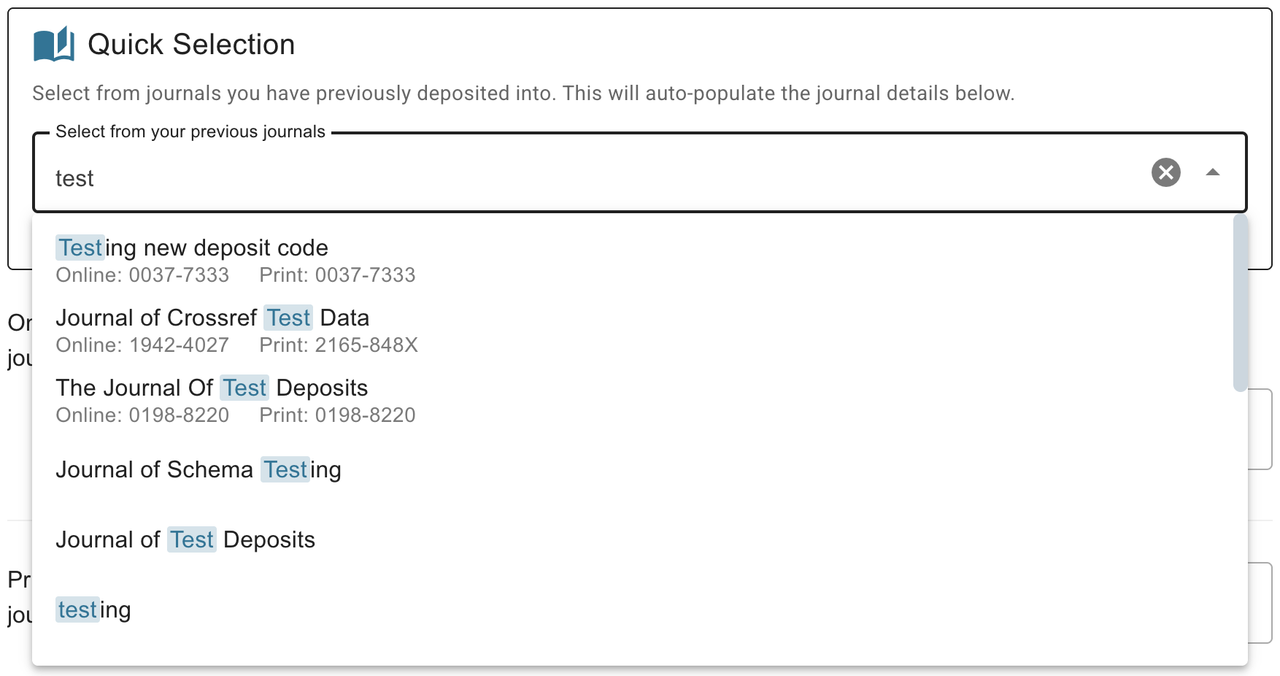 Image Source: https://www.crossref.org/documentation/register-maintain-records/metadata-manager/
 - Review your entries, then click Submit. A success page appears if the submission goes through, or an error message if there's a problem.
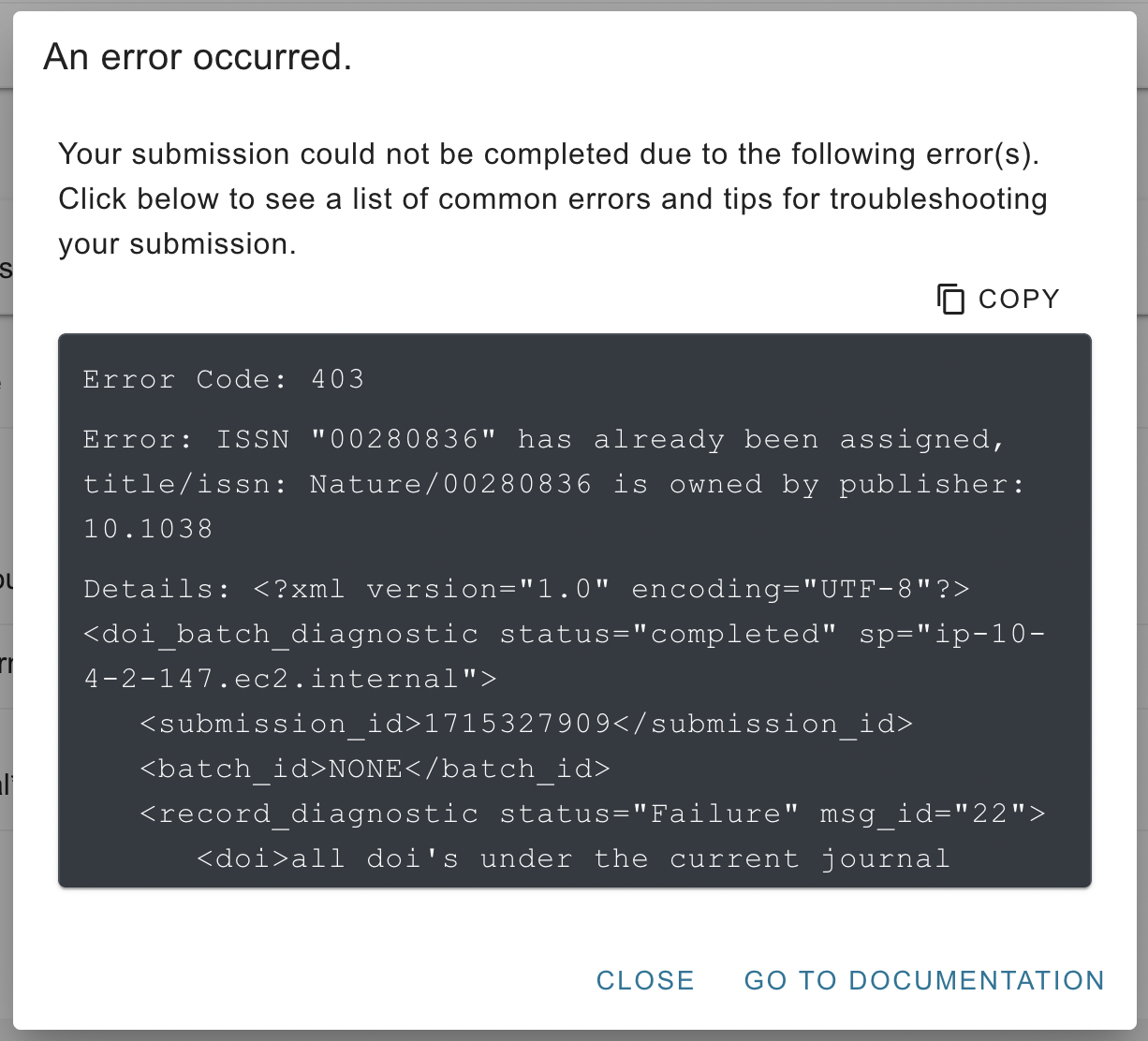
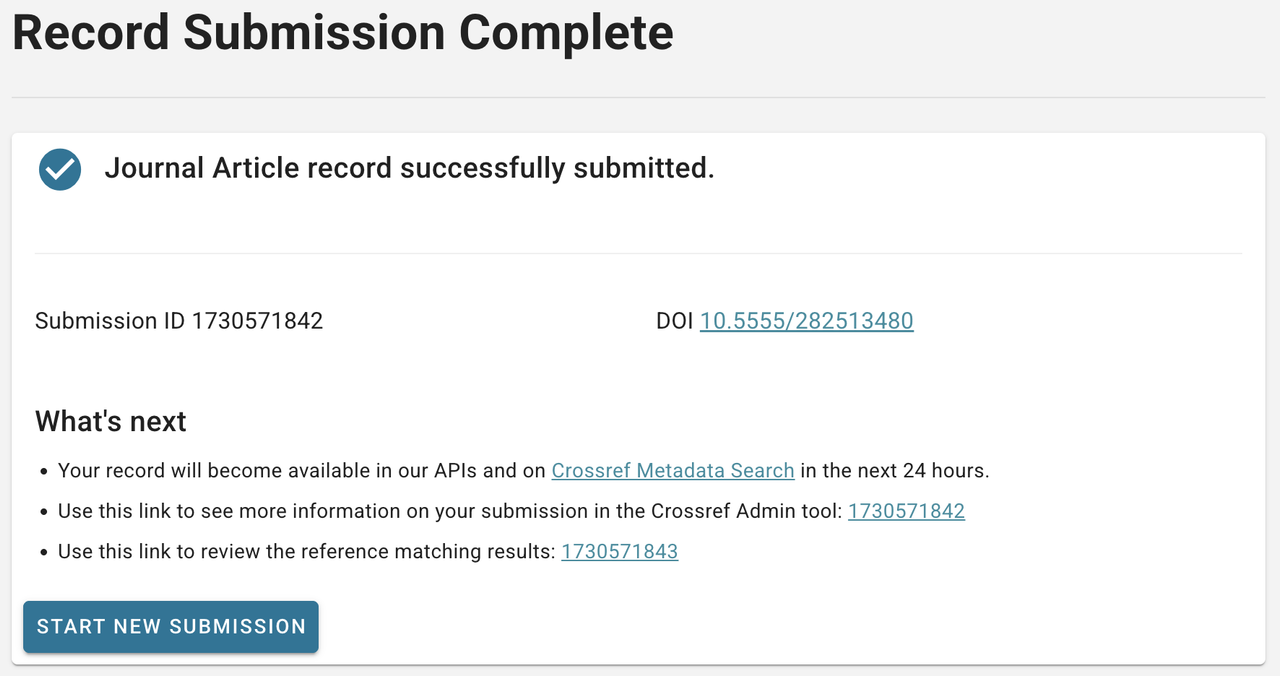 Image Source: https://www.crossref.org/documentation/register-maintain-records/metadata-manager/
 - To update an existing record, choose Edit Record, search for the DOI or browse the record list, then click Edit to change and resubmit the metadata.
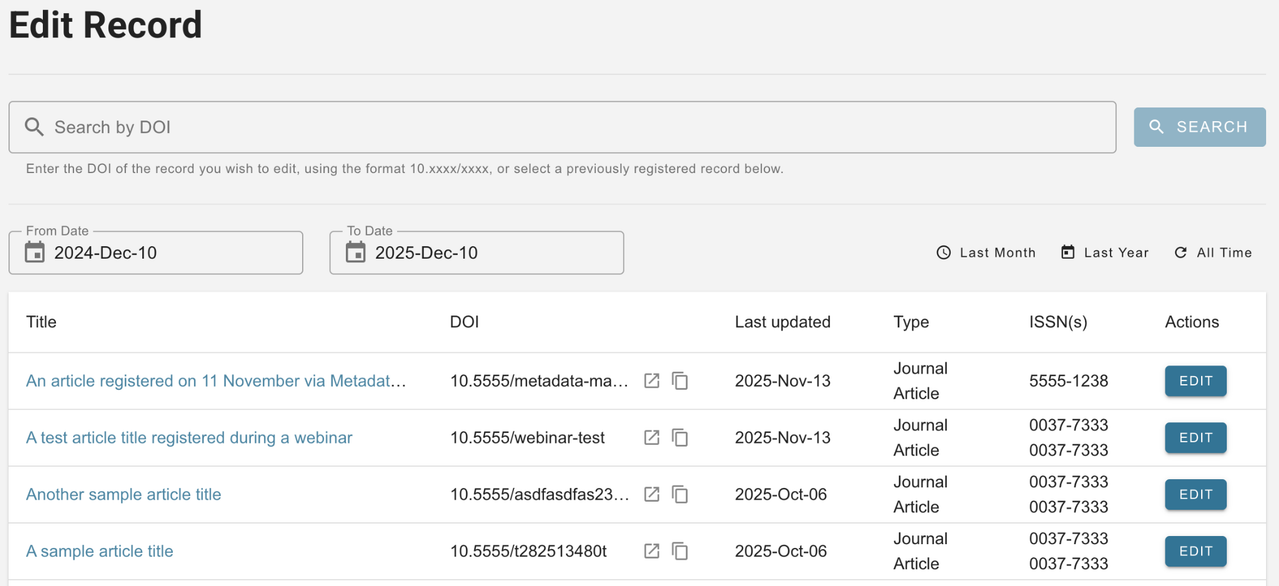 Image Source: https://www.crossref.org/documentation/register-maintain-records/metadata-manager/
Related Articles
PT Pubmedia Digital Sains
Jl. Sidorejo, Gg. Nakula No. C12 Ngestiharjo, Kasihan, Bantul, D.I Yogyakarta 55182 [email protected] +62 851-6865-2024Partners


© 2026
PT Pubmedia Digital Sains
. All rights reserved.