

Knowledge Base
Categories
3 Quick Ways to Check Journal DOI Activation Status
After completing the deposit process, you need to confirm whether your journal article's Digital Object Identifier (DOI) is active and officially registered in the Crossref database. Below are three quick and easy ways to check its status.
1. Check Directly via the doi.org URL, This is the easiest, fastest, and most accurate way to test whether a DOI is valid.
- Copy your article's DOI number (example: 10.12345/jurnal.v1i1.123).
- Open a browser and enter the URL in this format: https://doi.org/[your_DOI_number].
Example article: https://journal.pubmedia.id/index.php/Callus/article/view/3838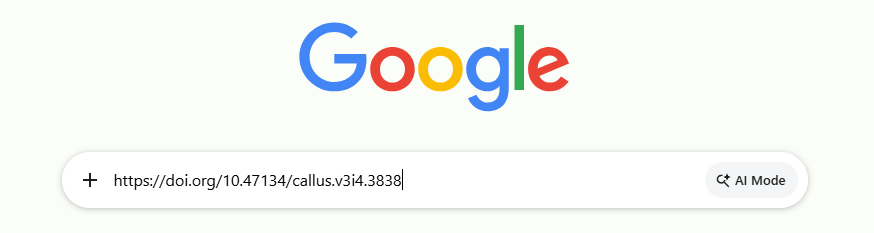
Result:
- Active: If the link successfully redirects to your journal article's page.
- Not Yet Active: If a "DOI Not Found" error message appears. This means the data has not been received yet or is still being synchronized on the server.
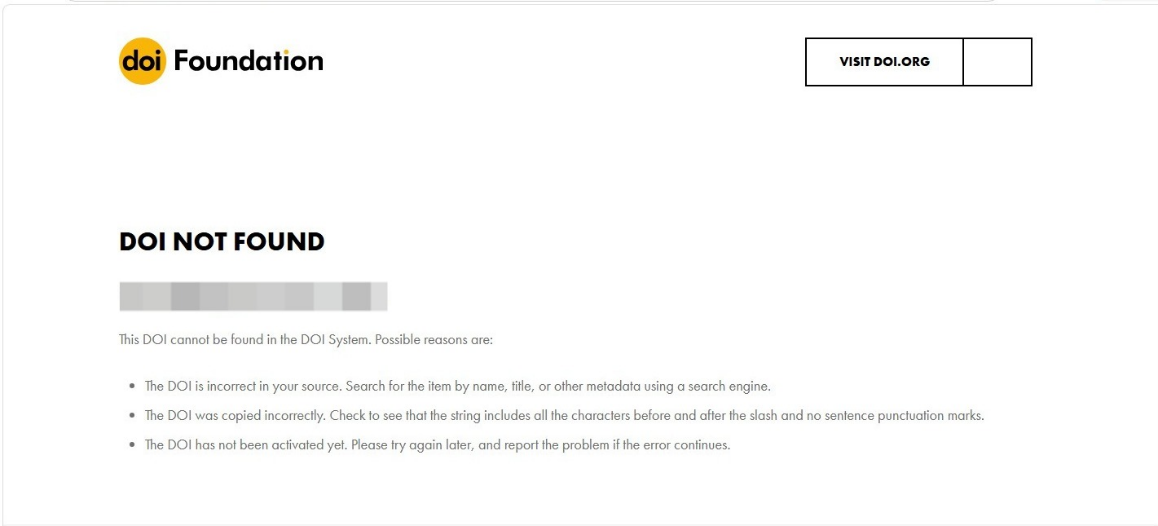
2. Use Crossref Metadata Search, This method is very useful for checking whether your article's bibliographic data and metadata have been successfully submitted to the central Crossref database.
- Open the official website search.crossref.org.
- Enter your article title or DOI number in the search field provided, then press Enter.
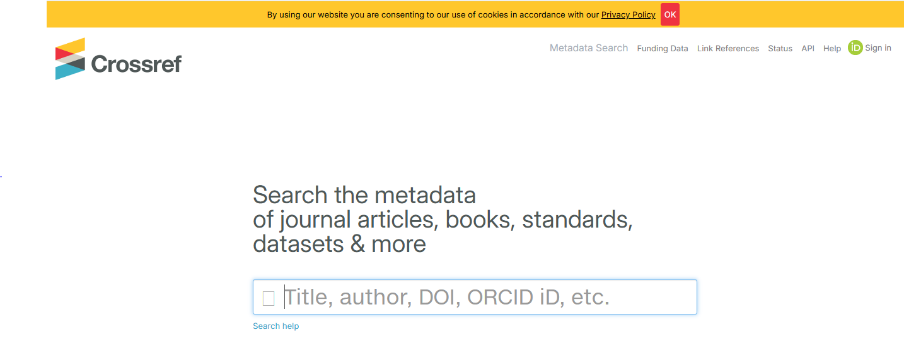 Result: If your article appears in the search results list, it means the DOI is active and has been correctly indexed globally.
3. Check Status via the OJS Dashboard, You can also monitor the data submission status directly from the journal admin dashboard without leaving the OJS (Open Journal Systems) platform.
-
OJS 3.2 and below: Go to the Tools > Import/Export > Crossref Export/Registration Plugin menu > select the Articles tab.
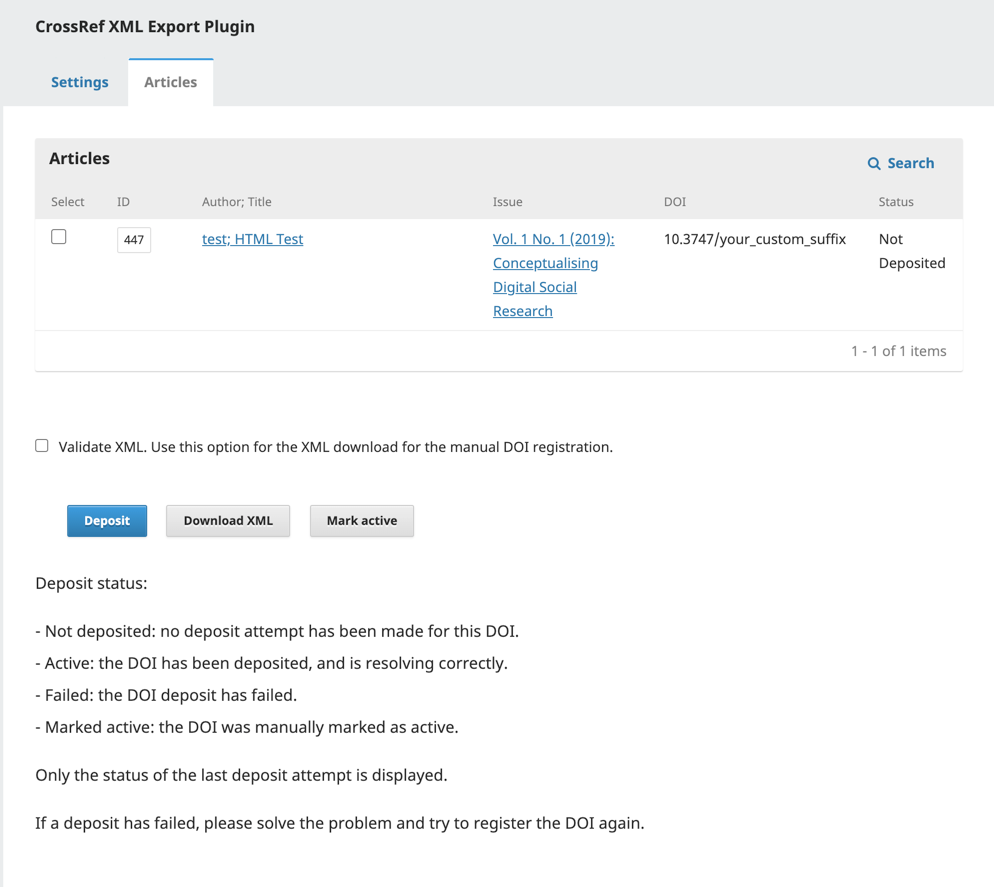 Image Source: https://docs.pkp.sfu.ca/crossref-ojs-manual/en/config
 -
OJS 3.3 & 3.4: Go to the Tools > DOI menu, or directly to the DOI Management menu.
-
Result: Submitted or Active status (usually shown in green) means the DOI has been successfully activated. Failed or Not Deposited status means the activation process failed, or the data has not been submitted yet.
Related Articles
PT Pubmedia Digital Sains
Jl. Sidorejo, Gg. Nakula No. C12 Ngestiharjo, Kasihan, Bantul, D.I Yogyakarta 55182 [email protected] +62 851-6865-2024Partners